No-code automation platforms still make you do all the thinking
Industry & Strategy · By Caleb Sakala · April 8, 2026
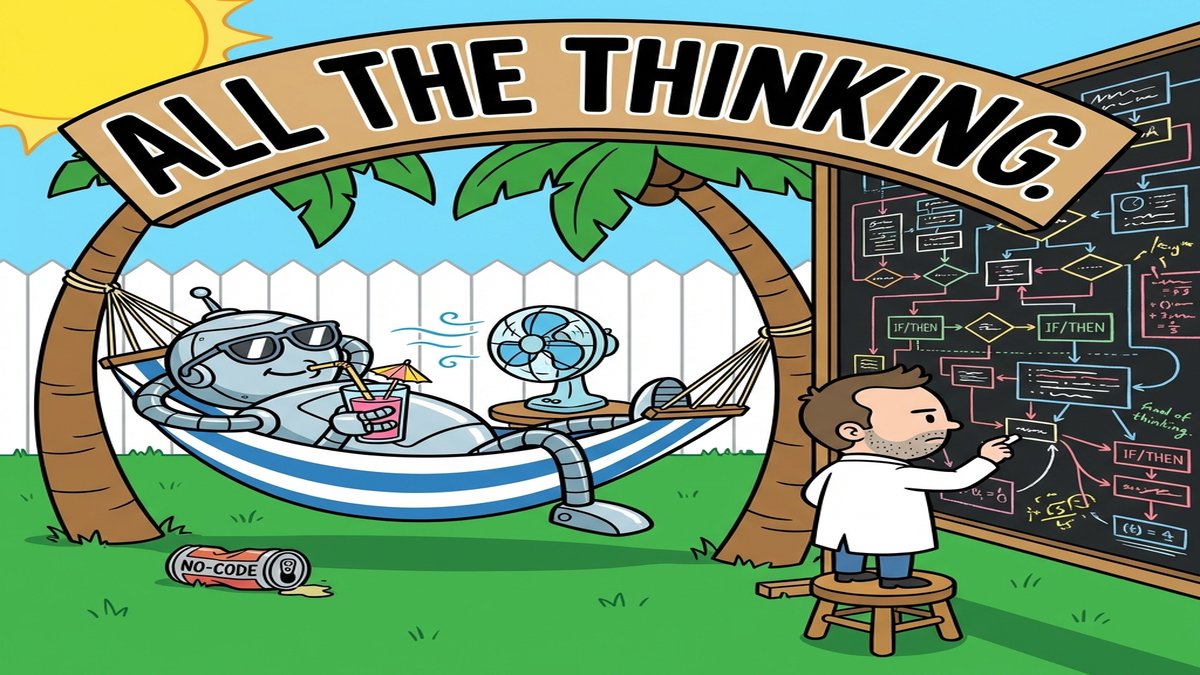
The no-code automation market hit $48.9 billion in 2026, according to Fortune Business Insights. Zapier alone connects over 8,000 apps. Make handles complex multi-branch logic through visual canvases. n8n lets teams self-host for the cost of a small VPS.
And yet, most enterprise automation projects still take weeks to deploy.
Something about this picture doesn’t add up. If the tools are this powerful and this accessible, why does building a five-step workflow between Salesforce and Slack still require a dedicated ops person and a two-week timeline?
Every no-code automation platform makes the same wrong bet
Every no-code automation platform starts from the same assumption: the reason people can’t automate their work is that they can’t write code. Remove the code, add a visual drag-and-drop builder, and automation becomes accessible to everyone.
That assumption was correct in 2018. It’s wrong now.
The 77% of organizations that Gartner reports already using low-code or no-code tools have discovered a different problem. Building an automation requires knowing which API endpoint to call, how to handle a 429 rate limit response, what happens when a webhook payload arrives with a null field where a string was expected, and which of the fourteen Salesforce object types maps to the concept of "customer" in your specific org.
Visual builders don’t solve any of that. They just give you a prettier place to get stuck.
Dragging boxes is still configuration, and configuration is still hard
Take an invoice approval workflow. In a visual builder, it looks like four boxes: receive invoice, route to approver, wait for approval, update accounting system.
In reality, that four-box workflow needs to handle invoices arriving as PDFs in email and CSVs from vendor portals, plus raw API payloads from procurement software. It needs routing logic that considers approval thresholds ($500 goes to a manager, $5,000 goes to a director, $50,000 requires two signatures). It needs timeout handling when an approver is on vacation. It needs retry logic when the accounting system’s API returns a 503. It needs an audit trail that meets SOX compliance requirements.
Count the actual decision points and you hit twenty, each requiring someone who understands both the business logic and the technical constraints of the systems involved.
Zapier’s Professional plan costs $49/month for 2,000 tasks. At scale, teams routinely spend $299/month or more. Make offers better per-operation economics (under $100/month at 100,000 operations), and self-hosted n8n drops the cost to roughly $10-38/month. But the real expense has always been the 40+ hours someone spends configuring, testing, and debugging the workflow, not the platform subscription.
Why every "top 10 no-code tools" list misses the point
Search for "no-code automation platform" and the first page is wall-to-wall listicles. Launchpad ranks twelve platforms. Glean covers five. Activepieces lists six. Every article answers the same question: which visual builder should you pick?
None of them ask whether a visual builder is the right abstraction at all.
Here’s what those lists won’t tell you: Gartner projects that 80% of technology products will be built by non-developers by 2026. But the no-code platforms positioning themselves for that future are still shipping the same drag-and-drop approach from a decade ago, just with more connectors and a few AI features bolted onto the sidebar.
The teams getting the best ROI from automation in 2026 are the ones that skipped the visual builder entirely.
Describing outcomes works better than drawing diagrams
The alternative looks like this: instead of opening a canvas, connecting boxes, and configuring each node’s parameters, you describe what the automation should do. "When a new invoice arrives from any channel, extract the vendor name and amount, route it to the right approver based on our threshold policy, and update NetSuite when approved."
A procurement team using Chase Agents set up exactly this workflow. Each step in the automation handles data extraction, threshold-based routing through action-type routing (where purchase recommendations flow to an approval step, but only the orchestrator holds tool access to initiate the actual NetSuite update), and error handling for malformed PDFs. The configuration took an afternoon because the team described the business outcome instead of manually wiring each connection.
That approach works because the AI constructs the workflow infrastructure from the description, including error handling and data transformation between systems. The person building the automation doesn’t need to know what a webhook is. They need to know what their business process should accomplish.
Where skipping the no-code automation platform falls apart
AI-assisted automation construction has real limitations that the "describe and deploy" pitch glosses over.
Ambiguous business logic is the biggest one. If the approval routing rules live in someone’s head and they can’t articulate them clearly, no amount of AI will extract a working configuration. The old visual builder at least forced you to make every decision explicit by filling in each node’s parameters. An AI that infers missing requirements might infer them wrong, and a silently wrong automation is worse than no automation.
Edge case discovery is another gap. A human building a workflow in a visual builder stumbles across edge cases naturally: "wait, what if this field is empty?" An AI that generates the workflow in one pass might not surface those questions. Teams that deploy AI-generated automations without a testing phase end up with workflows that handle 90% of cases beautifully and fail on the 10% that matters most.
The cost math also shifts. Zapier and Make charge per task or operation, so costs scale linearly with volume. AI-assisted platforms that charge per workflow construction are cheaper at high volume but more expensive for teams that need hundreds of small, simple automations. A team connecting Gmail to Slack with a one-step Zap shouldn’t be paying for AI-assisted construction. They should use Zapier’s free tier.
The $49 billion question nobody is asking
The no-code automation industry keeps adding connectors and templates. Meanwhile, the number of people who can successfully build a production-grade automation without help hasn’t grown at the same rate.
That gap between tool availability and builder capability is the market opportunity everyone in no-code is ignoring. Forrester found that 62% of low-code deployments target workflow automation. But if the output is still a visual diagram that requires human expertise to configure correctly, the ceiling on adoption stays exactly where it has been for years.
Consider a support team that needs ticket data from Zendesk routed through a triage model and into Jira with the right priority labels. On Chase Agents, that workflow connects to both services through MCP server mappings, validates incoming ticket schemas automatically, and lets the team override which LLM handles the triage classification. The builder states an outcome, and the system figures out the wiring.
Whether that approach replaces visual builders or just absorbs the hardest parts of them is the question worth watching. Five years from now, dragging boxes on a canvas to connect two APIs will feel like writing SQL queries to generate a bar chart. Technically possible, but nobody’s first choice.