Make.com and n8n both assume you build the automation yourself
Industry & Strategy · By Caleb Sakala · April 6, 2026
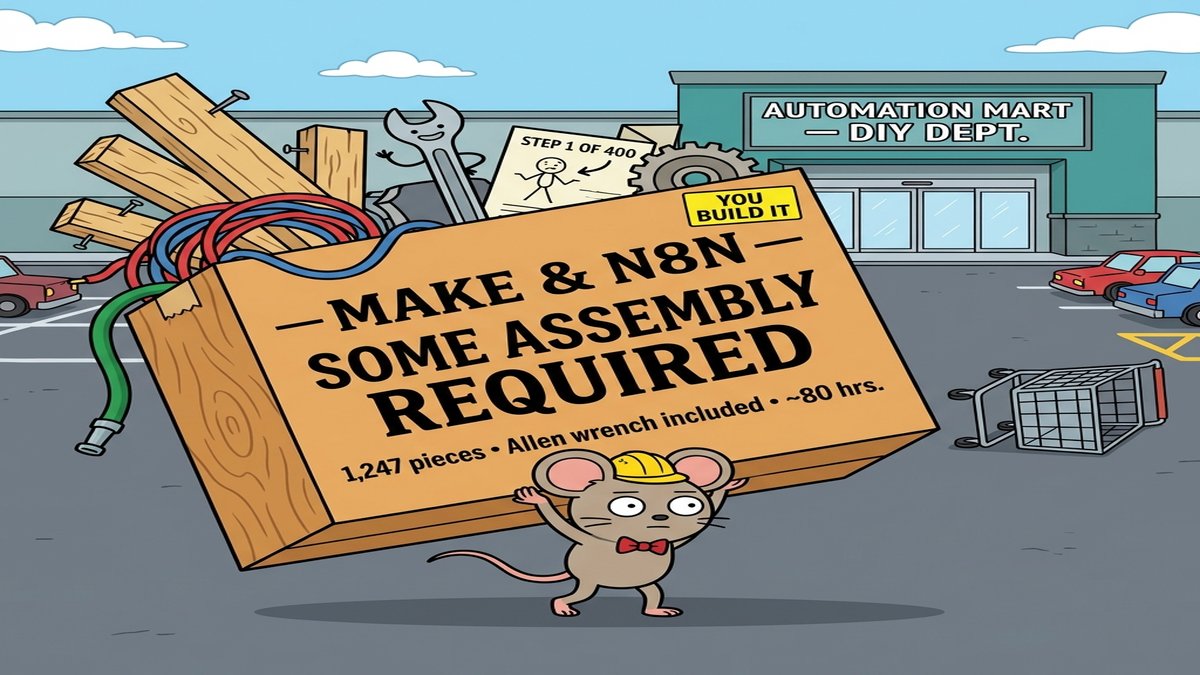
Every make.com vs n8n comparison frames the same decision: pick Make if you want a visual no-code interface, pick n8n if you need developer flexibility and self-hosting. That framing is accurate as far as it goes. It stops at the surface.
The more useful question (the one these comparisons skip) is whether you want to be the one designing the workflow at all.
When make.com vs n8n comparisons get it right
Make earns its reputation for speed. The visual canvas is one of the clearer interfaces in automation, and the 3,000+ pre-built integrations cover most standard SaaS connections without touching a configuration file. For operations teams that need a working Slack notification or a Google Sheets sync by tomorrow afternoon, Make is hard to beat.
Pricing is credit-based since August 2025, with the Core plan at $10.59/month for 10,000 credits. One credit per step in a scenario, so a six-step workflow uses six credits per run. Simple at low volume, expensive when a workflow runs thousands of times a day.
n8n sits at the other end of the same axis. For developers who need custom JavaScript logic and full control over their infrastructure, it solves real problems Make cannot. n8n's enterprise page lists 34% of Fortune 500 companies as customers. The self-hosting story drives most of those deals. Compliance requirements and data residency control are worth a lot to those teams.
Cloud pricing is execution-based: €24/month (approximately $26) for 2,500 workflow runs on the Starter plan, €60/month for 10,000 runs on Pro. Because n8n charges per workflow execution rather than per step within it, complex multi-step automations can cost significantly less on n8n than on Make once volume climbs.
For the majority of automations teams need, syncing SaaS tools and firing notifications, both platforms work well within their respective audiences.
The workflow scenario where both tools show their limits
Take a mid-complexity automation: a new lead hits a CRM, the workflow fetches company data from an enrichment API, passes the result to an LLM to generate a qualification summary, evaluates the model's output to decide whether the lead goes to a sales rep or a nurture sequence, then fires the appropriate downstream action.
In Make, this means wiring six or seven modules in sequence, manually field-mapping the LLM's text response into something a router module can evaluate. When the model changes its response format (which happens whenever a prompt gets updated), someone opens the scenario and fixes broken field mappings by hand.
In n8n, a developer writes JavaScript to handle the parsing and branching logic, which holds up better. But the entire decision tree still requires manual design, and every prompt change requires a developer to update the code node. The platform has no way to validate that the LLM's output matches what the branching conditions expect before a run fails in production.
Both tools were built for automation with static, known logic. That is where they excel. Where they strain is workflows where a model's output drives dispatch or downstream behavior, because that output is dynamic and neither platform has a native concept of treating "what the model decided" as a typed, validated signal the workflow can reason about cleanly.
A different approach: define each automation step with an explicit input schema and require that the LLM's output matches a declared structure before any dispatch happens. The lead qualification step then produces typed fields: qualified: true/false, reason: string, priority: "high" | "medium" | "low". The dispatch step reads those directly rather than parsing raw text. This is how a Chase Agents workflow handles it: schema validation catches output mismatches before they reach production, and the branching logic does not break when the prompt changes.
How to make the make.com vs n8n call
Make is the right starting point for most business automation. Non-developers ship faster on it, and the free tier (1,000 operations/month) is enough to validate a workflow before paying anything. The integration library covers the common cases without custom code.
Technical teams who need self-hosting, custom code, or compliance control have a better fit in n8n. The self-hosted version is free indefinitely. The learning curve is real but the capability ceiling is meaningfully higher.
The category where both tools require more manual work than teams expect is multi-step automations where an LLM makes a decision that determines what runs next. Technically, both platforms can execute those workflows. The operational cost is that every prompt change or model update sends a developer back into the canvas or the code to manually rebuild the branching conditions. That cost is invisible at first. It compounds when a team maintains ten of those workflows simultaneously.
For teams in that third category, the question shifts from "which canvas to use?" to "which platform treats AI output as a first-class input type?" A procurement automation in Chase Agents, for example, uses action-type routing to ensure only the orchestration step holds access to purchase-initiation tools, while research and recommendation steps operate on typed output objects rather than parsed text strings. The logic is enforced at the workflow level, not reconstructed each time someone edits a prompt.
The make.com vs n8n decision is far simpler than most comparisons make it. Make for non-developers who need fast results, n8n for developers who want control. The harder question is what happens when neither assumption fits: when the logic is model-driven and keeping the workflow stable matters as much as shipping it quickly.
Teams who figure out that distinction early will spend less time maintaining automations that break every time a prompt changes. Teams who keep treating it as a canvas-vs-code question will keep rebuilding the same branching conditions from scratch.