Automate email responses that templates can't handle
Automation Engineering · By Caleb Sakala · April 7, 2026
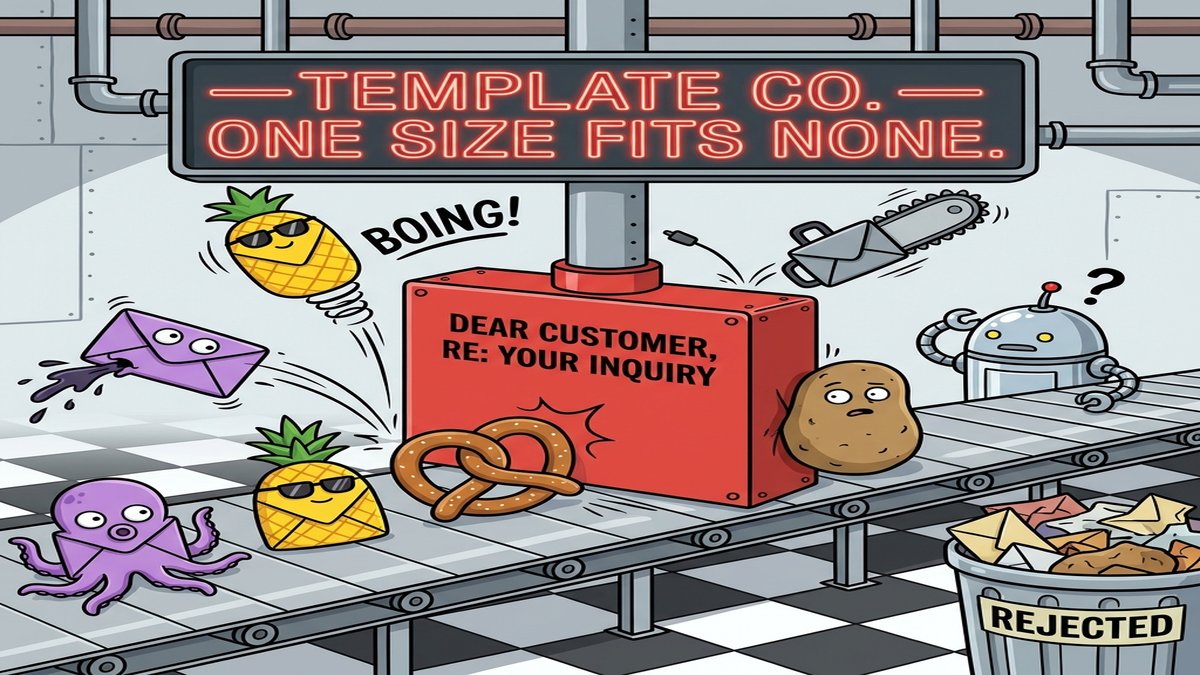
The average knowledge worker spends 28% of the workweek reading and responding to email, according to McKinsey's workplace productivity research. Microsoft's 2025 Work Trend Index puts the daily incoming count at 117 messages per person. Most of those messages fall into five or six repeating categories: scheduling requests, status updates, support questions, vendor follow-ups, onboarding checklists.
Every guide on how to automate email responses starts with filters and canned replies. Filters are fine for sorting. Canned replies handle one-line acknowledgments. Both stop working the moment an email requires any judgment about what to say back.
Email filters and templates solve maybe 15% of your inbox
Gmail's built-in tools handle three things: labeling, archiving, and forwarding based on sender or subject line keywords. You can pair filters with templates (Settings > Advanced > Templates) to auto-send a pre-written response when specific conditions match.
This covers out-of-office messages and "thanks for reaching out, we'll get back to you within 24 hours" replies. Beyond that, the approach breaks down fast.
Consider: someone emails asking about pricing for an enterprise plan, referencing a feature they saw in a demo. A template can't pull the right pricing tier. A filter can't read the context and route it to the correct sales rep with a pre-drafted response that mentions the feature. That middle layer, emails that need some judgment but follow a repeatable pattern, is where most of the 28% gets burned.
How to automate email responses with a four-step AI workflow
The workflow for AI-powered email automation has four stages: trigger, classify, draft, and route.
The trigger piece is simple. Gmail and Outlook both support webhook-style notifications when new messages arrive. Gmail uses the Gmail API's push notifications through Google Cloud Pub/Sub. Outlook uses Microsoft Graph subscriptions. On most automation platforms, this collapses to a single "new email" trigger node.
Classification is where the AI earns its cost. The automation sends the email subject and body to an LLM with a prompt like: "Categorize this email as one of: pricing_inquiry, support_request, scheduling, vendor_outreach, internal_update, requires_human. Return only the category label." At GPT-4o mini pricing ($0.15 per million input tokens, per OpenAI's April 2026 rate card), classifying 100 emails costs about two cents.
Drafting happens conditionally based on classification. For scheduling requests, the automation pulls calendar availability and generates a response with open time slots. For support questions, it searches a knowledge base and drafts a reply grounded in those materials. For pricing inquiries, it pulls the relevant plan details and formats a personalized response. Save every draft to a review folder rather than sending directly. The human review loop takes 10-15 seconds per email instead of 3-5 minutes of composing from scratch.
Routing handles the emails the AI should not answer. Anything classified as "requires_human" gets forwarded to the right person with a one-sentence context summary: "Customer asking about custom enterprise integrations, references their Salesforce setup." Good routing saves almost as much time as good drafting because it eliminates the read-and-forward cycle.
The best emails to automate are the medium-hard ones
Medium-complexity external emails are where the time savings compound. Internal status updates and meeting confirmations, the highest-volume category for most teams, take two seconds each to handle. Support questions about specific features, vendor pricing requests, onboarding check-ins that reference a particular stage in the customer journey: those take 3-5 minutes each. At 15 per day, automating that category recovers over an hour.
Most teams start with the high-volume internal messages because the count feels impressive. But the per-email time saved on a message you can already skim in two seconds is close to zero.
A procurement team routing incoming vendor emails through Chase Agents, for example, runs a workflow that reads the email, checks the sender against a supplier database, pulls the relevant contract terms, and drafts a response referencing the correct renewal date. Each step in the workflow specifies which LLM to use (a smaller, faster model for classification, a more capable one for drafting). The full sequence runs in about 8 seconds per email. The same task used to take a procurement coordinator 6-8 minutes per message.
Compliance is the part everyone forgets until it bites
Automated email responses that contain pricing, contract terms, or medical information create liability. GDPR requires that automated processing of personal data includes a mechanism for the recipient to request human intervention (Article 22). HIPAA-covered entities cannot send protected health information through an automated pipeline without encryption and audit logging.
A five-minute fix that nobody does first: tag every automated response with a footer indicating it was generated by an automation system, and include an opt-out for human-only correspondence. Defining what data types each workflow step can access also matters. A support automation replying to order-related questions needs order history but should never see payment card details stored in the same database. On Chase Agents, each step in a workflow declares what data types it can read through input schema validation, so the reply step pulls order status while payment fields stay invisible to it.
The two-cent inbox is 12 months away
Within the next year, classifying and drafting email responses will cost under a penny per message as model pricing continues dropping 30-50% per generation cycle. At that price point, the economic argument for manual email triage disappears for any team handling more than 30 external messages per day. Which responses are you still writing by hand, and what is your reason?